A Beginner’s Guide to Starting a Blog
Blogging has become one of most popular ways to communicate, disseminate information and news. There is A Beginner’s Guide to Starting a Blog


Blogging has become one of most popular ways to communicate, disseminate information and news. There is A Beginner’s Guide to Starting a Blog
Limitations of WordPress Ecommerce includes security, processing time, customization and more … But, there is always a solution to a problem.
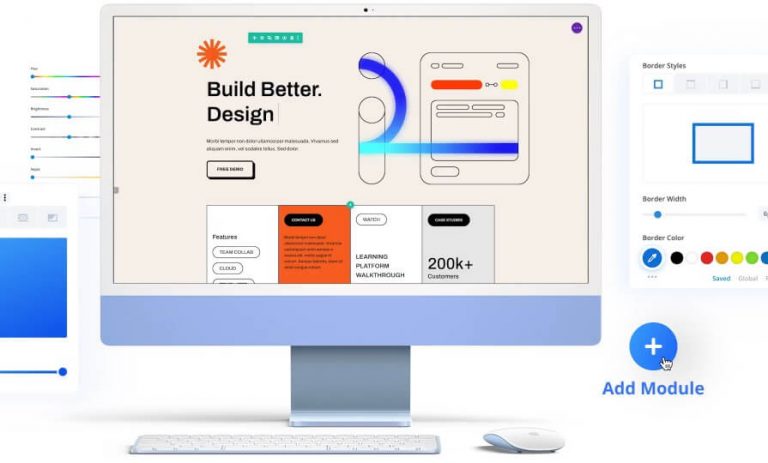
Divi 3 is the Ultimate Multi-Purpose and Best Drag Drop WordPress Theme that fit any occasion and it has the tools you need to make your vision a reality
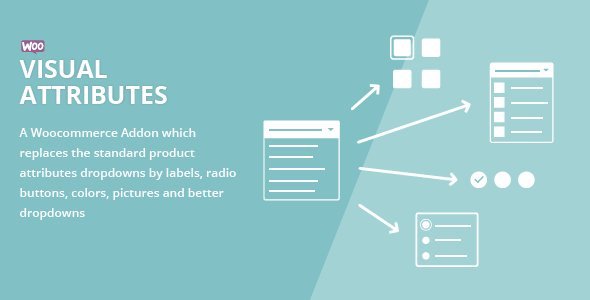
There are best 10 WordPress plugins which listed here will allow you Improve WooCommerce Product Variations with Swatches, and Photos.
Now you know how easy and fun it is to Configure WordPress through WP-CLI. Explore the capabilities of it more and you will learn a lot for both WordPress and the command-line interface.
This article will help you understand some important things you should keep in your mind, before selecting WordPress security plugins for your site.
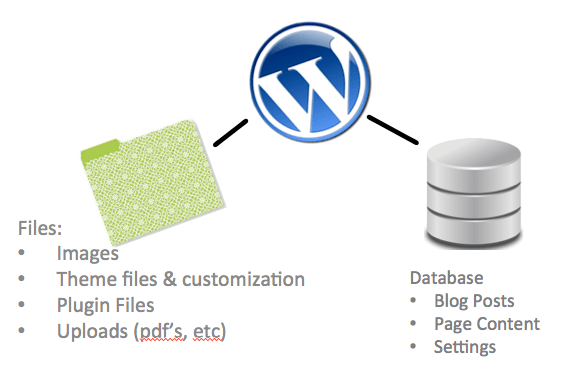
No one wants to lose money simply because of database malfunctions. This is why database management is of great importance. Your website can collapse because of all sorts of reasons but not database related matters. There are also people who earn by managing databases remotely.

In this blog post, we have discussed the easy-to-follow tips that can help you make your site outstanding and visually appealing. By following these tips, you can enhance the design of your site because it helps in driving more visitors that in turn generate leads and increases productivity.
Here are a few common and silly mistakes which web developers tend to make with WordPress, which they regret later on.
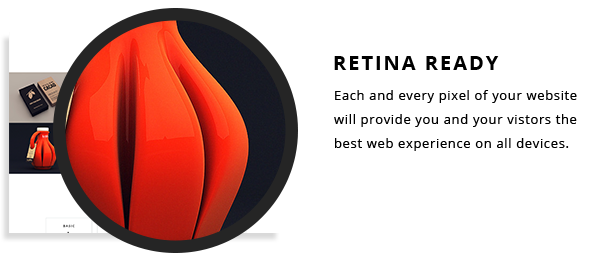
In recent years, Retina or HiDPI Display has been one of the most discussed topics among web designers and developers. With more and more high resolution devices are being introduced…
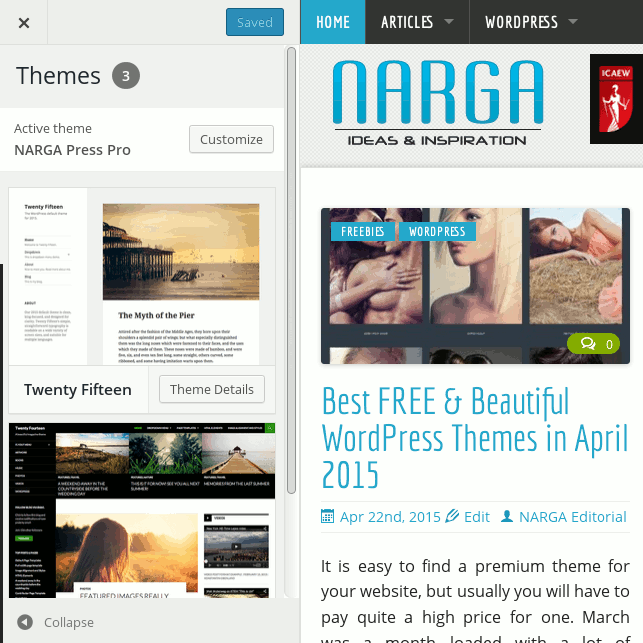
After few days for testing, I write some notes about the latest version of WordPress to share my thoughts on the main 4.2 changes. What’s news in WordPress v4.2 which we’ve expected?