Google Authorship: Move rel=”author” on your head
Since June 2012, Google is now allowing rel=author markup through a link element in the head of your site. This makes adding rel=author to your site properly a lot easier.

Since June 2012, Google is now allowing rel=author markup through a link element in the head of your site. This makes adding rel=author to your site properly a lot easier.

Setting up a blog is a fairly easy thing to get started. However, there are so many resources available to you that it can be overwhelming. To avoid such things and making your niche blog, I have produced my own list of things that you should do/have before starting a blog.
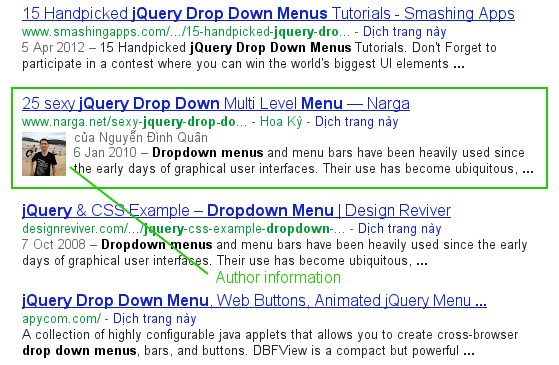
“Google Authorship” is one way that Google is tweaking the search results in order to improve the searching experience. Google displays the picture of the author right in the search results in order to help users to find great content. There is no guarantee that Google will display your Authorship information. But unless you help Google to figure out who you are, then you have no chance at all!
I encountered a problem with my child theme when I wanted to load some of my javascript files for the theme’s option which I kept with in the child theme so that the parent theme remains unchanged and all the development is also done in one directory.
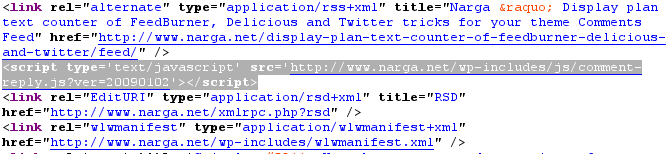
Almost parts of Wordpress template codes is modifiable or removable by add or remove filter methods in functions.php file. Let’s think about it before hacking to WordPress core sources or create your own WordPress child themes.
By default, the standard HTML element is pretty much annoying. It’s ugly. Almost project which I’ve done, I was asked to create a form that is far removed from the look of standard browser. It seems there are so many references and guides out there it’s easy to get lost. When it comes to adding JavaScript functionality to a website, jQuery has become the solution of choice for web designers and developers.
You’ve started your first blog on WordPress.com because the service was free, you weren’t required to have any technical skills and there were plenty of widgets, themes and plug-ins to help you quickly customize the blog. However, a time comes when you might want to move to your own domain name which is a continuance of your WordPress.com blog. Moving your WordPress.com blog to a self-hosted WordPress.org is actually more simple than you might believe! Sure there’s a few steps but all good things require a bit of work, right? I hope you found this helpful. What are you waiting for now? Are you ready to make the switch?
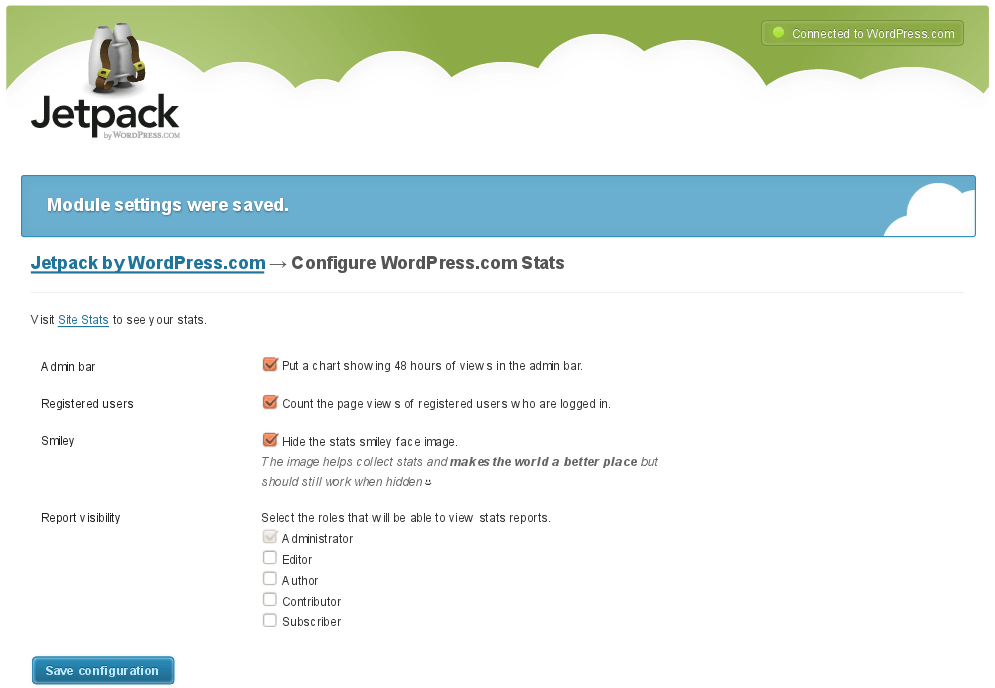
Automattic just released a collection of plugins as one “super-plugin” called Jetpack. As they explained it, the goal was to bring eight of the most requested features available on WordPress.com to the millions of self-hosted WordPress sites in one easy-to-install curated package. If you use JetPack Stats on your site (formerly released as a stand alone plugin called WordPress.com stats), you may be familiar with the smiley face image that it adds to the bottom of every page on your site.
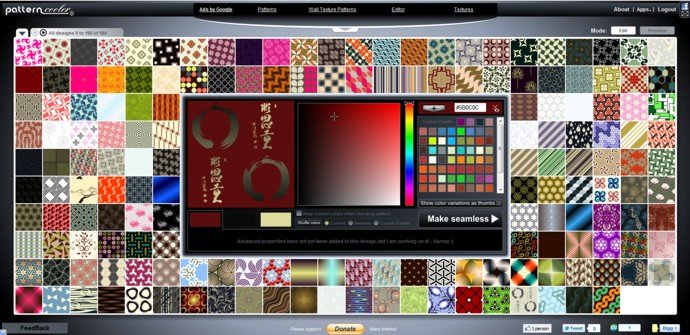
While you could start every project by doing the same things again and again, the smart designers and developers know the importance of a well-developed workflow. One of the things that can accelerate and enhance your workflow are online generators.
I have listed all online free background pattern generators that can save you some time while providing great results.
In fact, when weighing the pro and cons of free web hosting, first of all you have to disregard the fact that you will not be paying a cent while using free web hosting. However, it is necessary to consider the major drawbacks of free web hosting, especially if you are going to use your website for business transactions. So, what are the features that make free web hosting services good and easy to use:

Good Project Planning and Scheduling tools let you plan efficiently and effectively deploy the organization’s resources when they are needed. In this post we review about free or open source Project Management software (available on some platform) that let you plan, schedule and efficiently manage your project cost. All open-source and free project management tools which has been listed that is not best produces but it’s very popular and has high ranks.