WordPress Child Theme: remove and load more scripts and styles files

WordPress Child Theme: remove and load more scripts and styles files

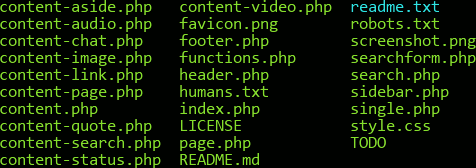
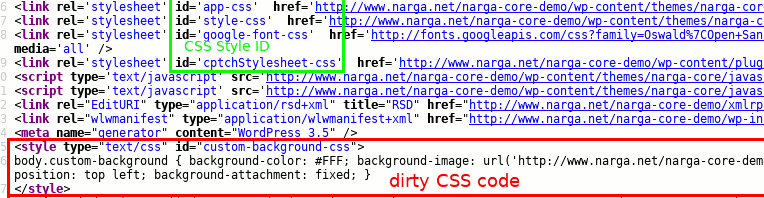
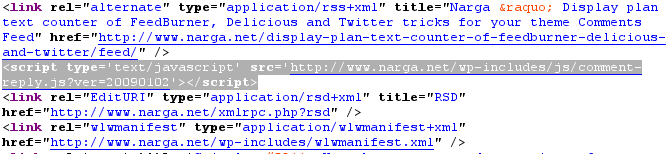
During the development process of WordPress Child Theme you will planning remove some default scripts and styles or change the way to tell browser load them, then add your own to optimize the theme. This, of course, you should try to make as little HTTP requests as possible to keep your site up to speed, put your javascript in the bottom of the page to ensure faster rendering, and it also gets real tough to maintain all those separate files if many things have to change The good news is that WordPress has a built-in system that allows us to deregister these scripts and styles instead edit the parent theme files.

Read more
A Guide to Creating WordPress Child Theme

A Guide to Creating WordPress Child Theme

Child themes let you start with the basics of an existing theme, so you’re not having to reinvent the wheel. You can pick a theme that has the functionality and basic layout you need, but then customize everything about it as you would designing a theme from scratch. In this guide I want to introduce the basic concepts of building a WordPress child theme and why it’s such a good idea.

Read more
Things to do when move your website from WordPress.com to self hosted

Things to do when move your website from WordPress.com to self hosted

You’ve started your first blog on WordPress.com because the service was free, you weren’t required to have any technical skills and there were plenty of widgets, themes and plug-ins to help you quickly customize the blog. However, a time comes when you might want to move to your own domain name which is a continuance of your WordPress.com blog. Moving your WordPress.com blog to a self-hosted WordPress.org is actually more simple than you might believe! Sure there’s a few steps but all good things require a bit of work, right? I hope you found this helpful. What are you waiting for now? Are you ready to make the switch?

Read more
How to hide The WordPress Stats Smiley Face

How to hide The WordPress Stats Smiley Face

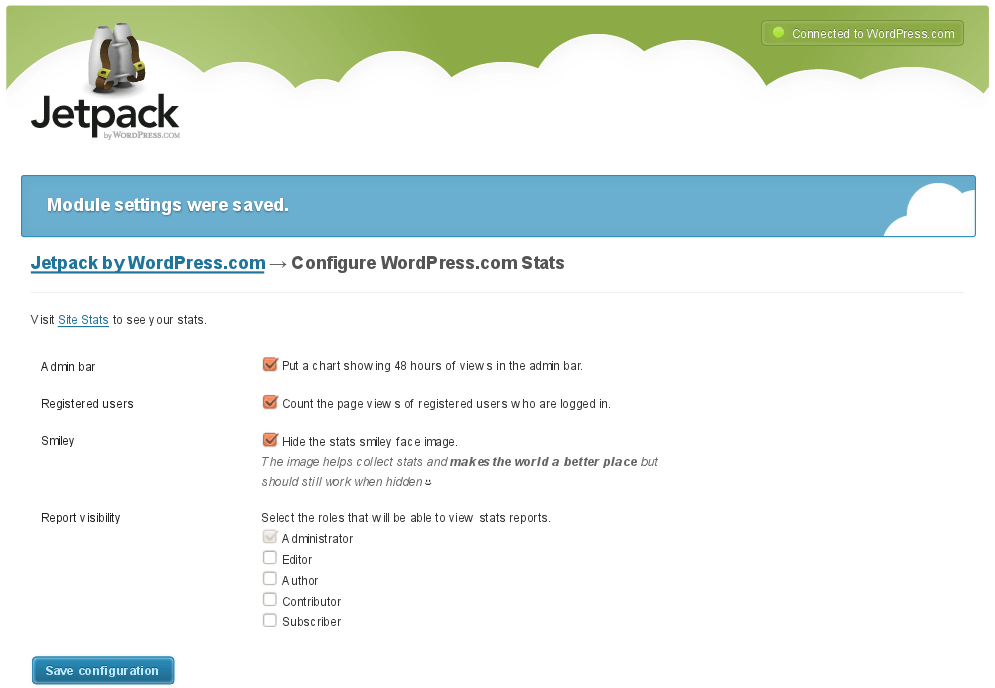
Automattic just released a collection of plugins as one “super-plugin” called Jetpack. As they explained it, the goal was to bring eight of the most requested features available on WordPress.com to the millions of self-hosted WordPress sites in one easy-to-install curated package. If you use JetPack Stats on your site (formerly released as a stand alone plugin called WordPress.com stats), you may be familiar with the smiley face image that it adds to the bottom of every page on your site.

Read more
Top 20+ Most Common WordPress Plugins for starters

Top 20+ Most Common WordPress Plugins for starters

There are, of course, too many plugins to list here, so in this article we’re just going to point out the essentials… what I consider to be the bare minimum “can’t live without” list of plugins that should be installed with just about any new Wordpress installation. This is obviously just the beginning, as these are only a fraction of the seemingly limitless list of things you can do to customize and enhance your WordPress driven your new website.

Read more